Lux survey app · iPhone and iPad · in beta
A lux survey app that works with your calibrated meter.
Luxwork is a lighting survey app for iPhone and iPad. It doesn't measure light itself. It takes the readings from the calibrated lux meter you already use, puts each one on the plan of the area where you took it, and has the report ready to sign when the last point is in.
A lux survey in Luxwork, start to finish
The method behind each step, whatever you record it with, is in how to do a lux survey.
- Say what the survey is judged against. HSE's figures in HSG38, your client's own stated requirement, or nothing at all if you're only recording levels. You choose before the first reading, and the report says which.
- Say which lighting. The normal lighting, or the emergency lighting with the normal supply off. The two are never mixed in one survey, and an emergency survey's report says it was a level check, not a battery duration test. How to check emergency lighting levels.
- Set out the area. Luxwork lays out the measuring points for the method you chose. It records how it arrived at the grid, including anything it had to assume, such as a mounting height nobody measured.
- Confirm the conditions. Daylight masked out, lamps run up, every fitting lit. Each one goes on the record as your own confirmation.
- Walk the grid. Readings come in over Bluetooth from a supported meter, or you type them from the display of any other calibrated meter. The plan shades in as you go, so you can see a dark corner while you're still standing in it.
- Review and sign. You can correct the site, level and area until you sign. The readings stay as the instrument gave them.
Every reading on the plan, not on a pad

Specimen data
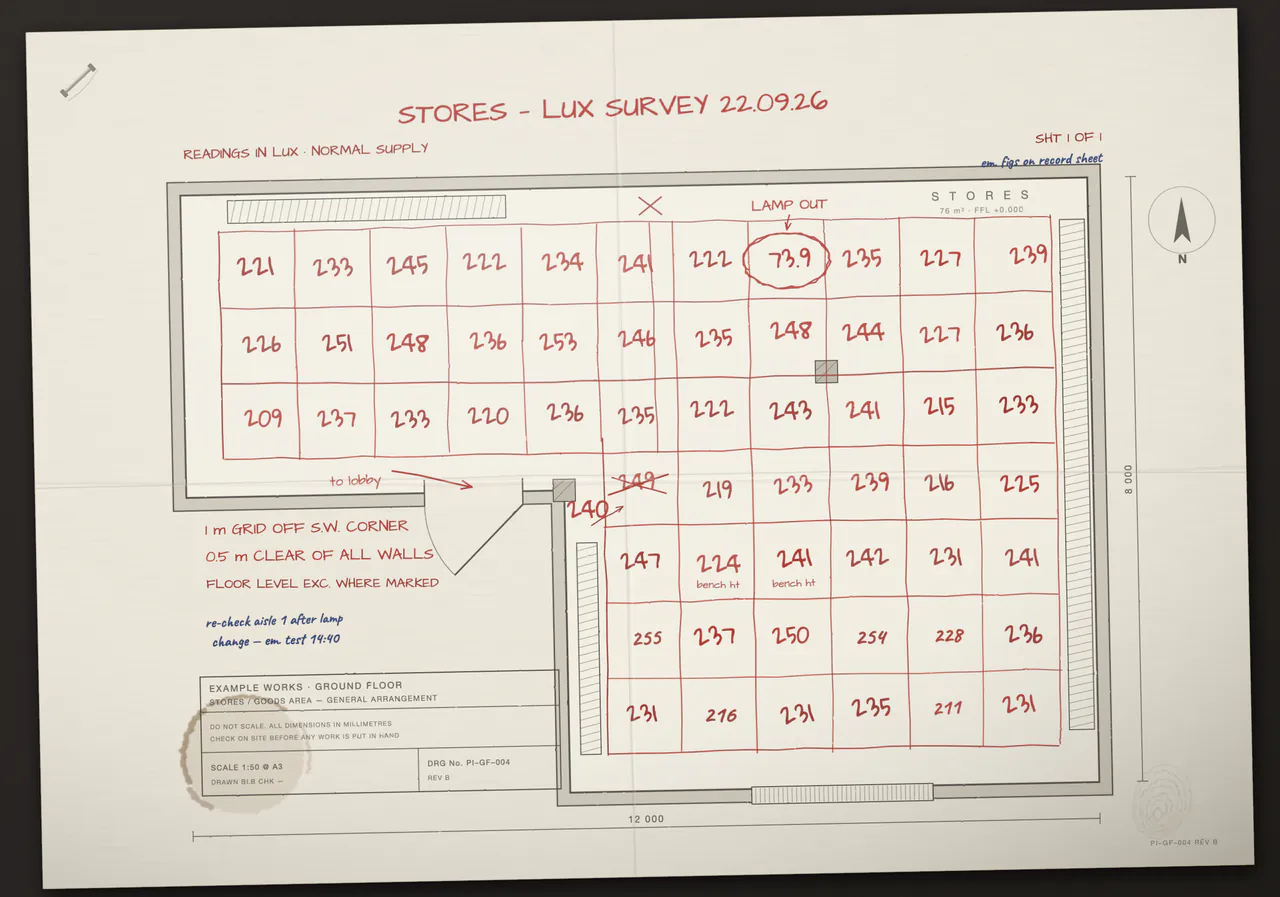
On paper, a reading is a number on a list and its position is a guess made later, back at the office. In Luxwork, each reading is plotted at the point where it was taken, in walk order, with the time it was taken.
The lowest and highest readings are named on the plan as well as coloured. Where the layout rests on an assumption, the plan says so underneath it.
Bluetooth lux meters, or any calibrated meter typed in
Two meters connect to Luxwork over Bluetooth today: the Chauvin Arnoux C.A 1110 and the Hioki FT3425. With either one, you can set the meter down on the point, step back out of the light, and the reading arrives on the phone.
Any other calibrated lux meter works too. Identify it once, with its serial number and calibration certificate, then type each reading from its display. The report says which readings came over Bluetooth and which were typed. The meters page keeps the list.
What the report records
The report is written for someone who wasn't there and may disagree with it. It records:
- the instrument, its serial number and its calibration certificate
- how each reading got in: over Bluetooth, or typed from the display
- the measurement plane, and how the grid was arrived at
- the conditions you confirmed before the first reading
- every reading, with its position on the plan and the time it was taken
- the average, the minimum and the uniformity
- each requirement, and whether the survey came in at or above it or below it. An emergency level check prints the measured levels instead and marks the figure not assessed
- anything that wasn't assessed, stated rather than left out
Signed on the device. Any change to the signed survey record breaks the signature check.
What a lighting survey report should contain goes through each item on a specimen report.
What it won't do
- It isn't a light meter. Luxwork doesn't use the phone's own light sensor or camera to measure light. A phone's light sensor is not a calibrated instrument.
- It doesn't stamp pass or fail. It records what the meter measured and where each figure came in. Whether an installation is acceptable is the engineer's call.
- It doesn't certify anything. It makes the survey checkable. It can't make the survey correct, and the competence stays with the person who did it.
A lux survey app is not a lux meter app
Search the App Store for "lux meter" and you'll find plenty of apps that estimate the light from the phone's own hardware. That can be handy for a quick look, but it isn't a calibrated reading, and published tests have found phone readings well away from a reference meter.
Luxwork works the other way round. The measurement comes from your meter, and the app's job is the plan, the record and the report. Are lux meter apps accurate enough for a lighting survey? sets out what the tests found.
Questions people ask
Can I use it without a lux meter?
No. Every reading comes from a calibrated meter, either over Bluetooth or typed from its display.
Which figures can it judge a survey against?
HSE's figures in HSG38, which ship with the app, or a requirement you enter yourself, such as the figure in your client's specification. You can also record levels with no judgement at all. HSG38 lighting levels explains HSE's table.
Does it do emergency lighting?
It records emergency lighting levels: the emergency luminaires measured with the normal supply off, on an escape route, an open area or stairs. The report calls this a level check. Luxwork doesn't run the battery duration test, and a level check isn't marked against a figure that has to hold to the end of the rated duration. Emergency lighting lux levels: how to check them.
Do I need an account?
No. Surveys stay on your phone, and there's no cloud sync. In the released app, nothing leaves the phone unless you export it. Beta builds differ, and the privacy notice explains how.
Is there an Android version?
Not yet. Luxwork is on iPhone and iPad first.
What does it cost?
Capturing a survey, judging it and reading the report on screen will be free. The one thing you'll pay for is issuing the signed report, and the pricing page will set out the price in full before anyone is asked to pay it.
Try it before release
If you do lighting surveys, you can test Luxwork before its first public release and tell us what needs fixing.
Beta testing, on iPhone and iPad
We'll invite testers in small groups through Apple's TestFlight. Questions first? Email support@ubervisor.app.